How to See Undeliverable Prescription Notifications
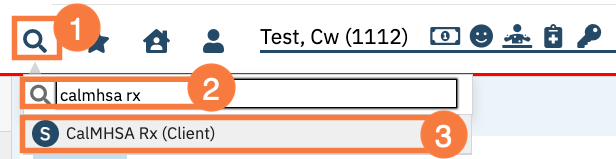
Click the Search icon with the patient open.
Type CalMHSA Rx into the search bar.
Select CalMHSA Rx.
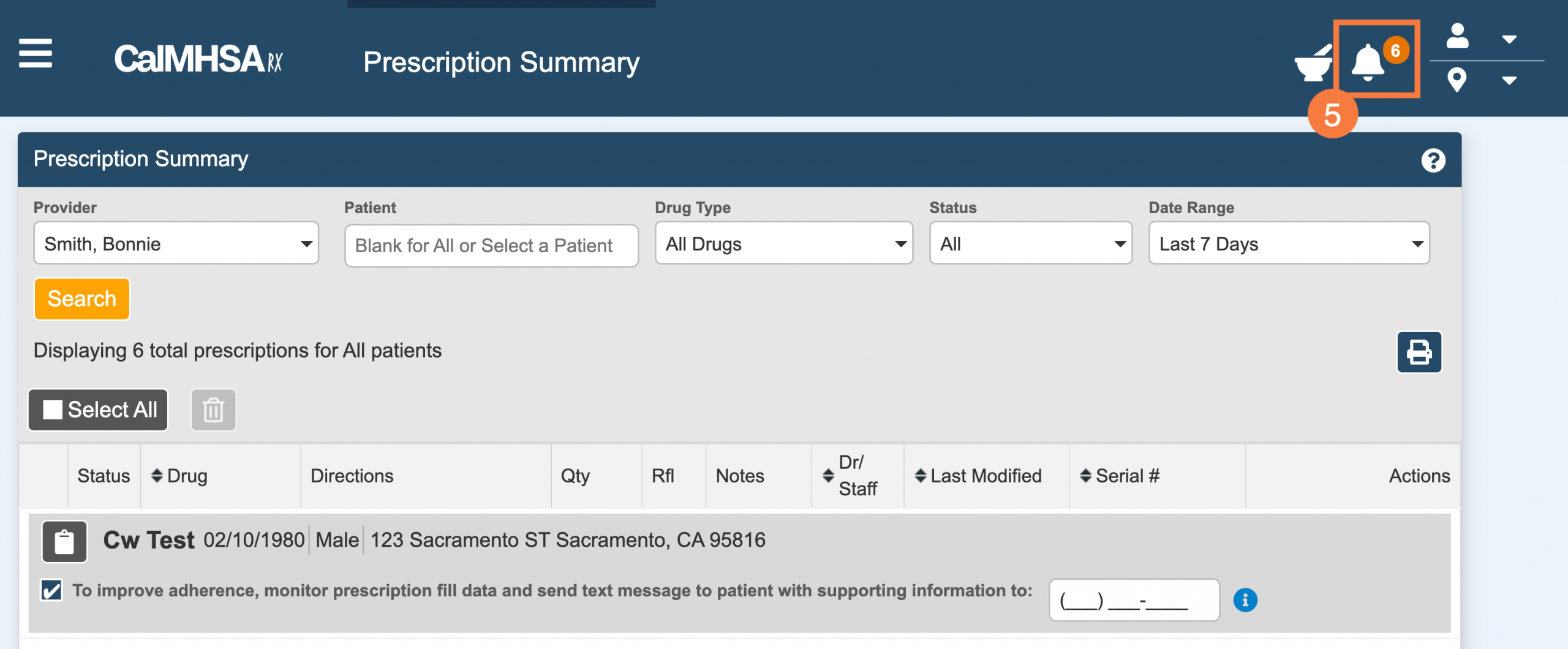
Click Prescription Summary.
Click the Notification icon to view alerts on the Prescription Summary screen.
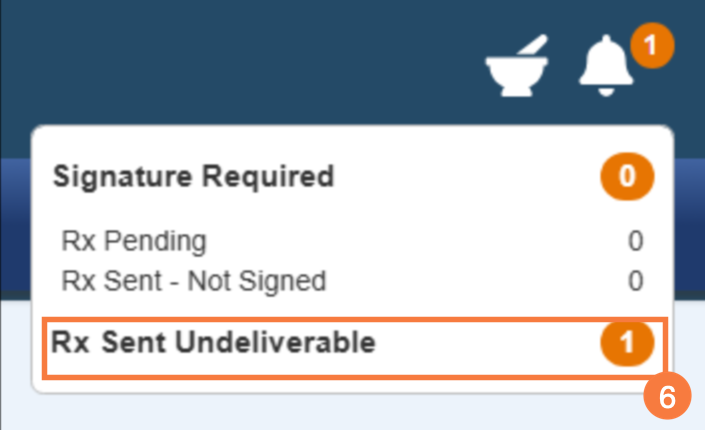
Here you will see the “Rx Sent Undeliverable” section for a total count of undeliverable prescriptions at your selected location.
Note: If you have the “At this location, show pending and undeliverable prescriptions from all locations” checkbox checked in your Settings / Preferences -> “Prescription Management” section, then this total undeliverable count will reflect for all locations. Click here to view the article.
Click the Rx Sent Undeliverable.
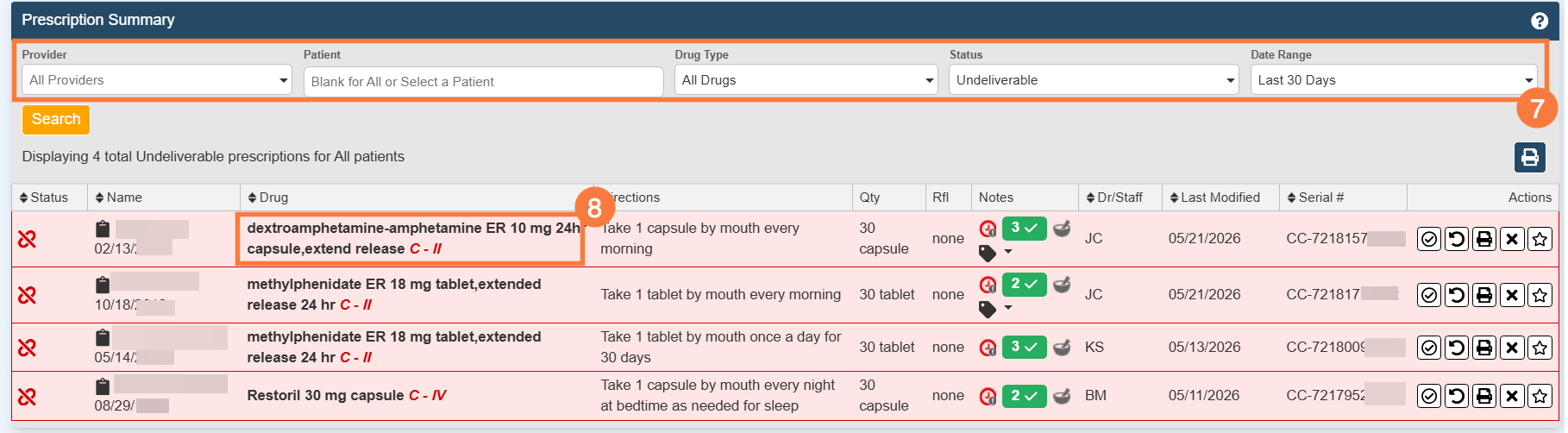
On the Prescription Summary page, select the correct filters such as Provider and Date Range to widen your query to catch the undeliverable prescriptions you would like to review.
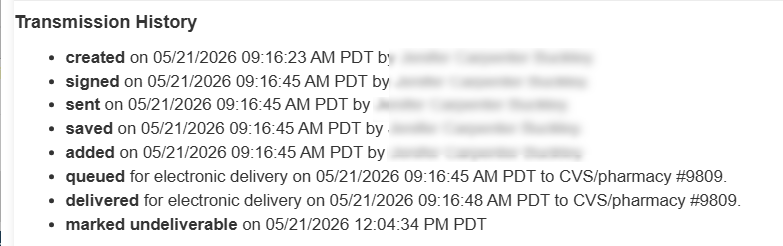
Click the drug name to view the transmission history.