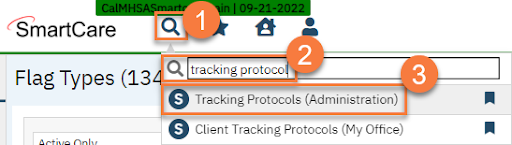
- Click the Search icon.
- Type in “Tracking Protocols” in the search bar.
- Select “Tracking Protocols (Administration)” from the search results.
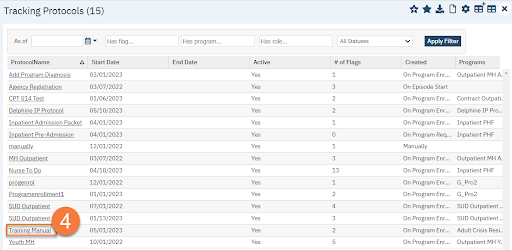
- This takes you to the Tracking Protocols list page. Use the filters to find the Tracking Protocol you want to delete. Click the link in the ProtocolName column.
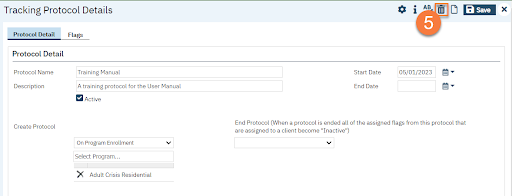
- This takes you to the Tracking Protocol Details screen. Click the Delete icon.
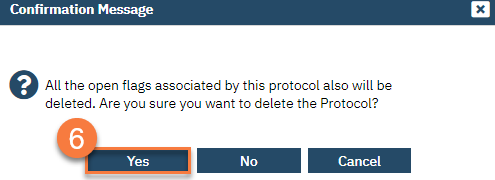
- This will bring up a confirmation pop-up window. Click Yes.