Your county system administrator has the ability to grant you access to a user role that you normally don’t have access to via the emergency access feature. This “breaks the glass” and allows you to carry out functions of that user role for a set amount of minutes. One you have contacted your county administrator and they have granted you temporary access, follow these steps to activate the break the glass feature.
Click your username in the upper right-hand corner.
Select Emergency Access from the menu options.
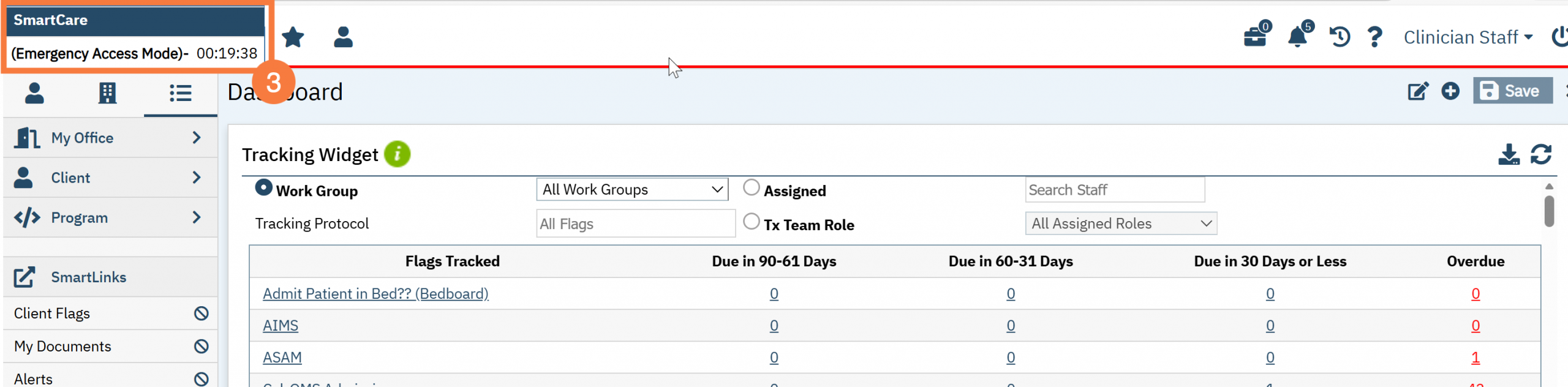
You will now see a timer in your upper left-hand corner of your screen, counting down the time you have left to access this emergency role.