The below workflow is for when the Client’s SSN is known.
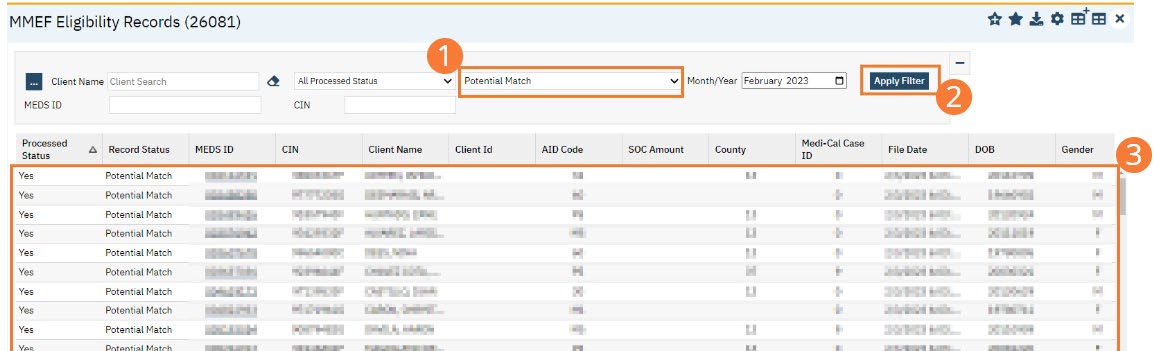
- From the MMEF Eligibility Records screen, change All Record Status dropdown to Potential Match.
- Select the Apply Filter button.
- The records will display in the list for Potential Matches.
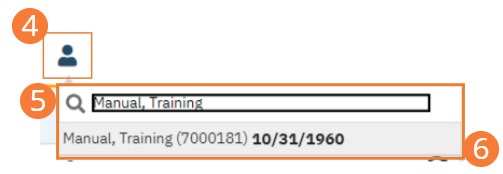
- Select the Client Search icon.
- Type the “Client Name (Last Name, First Name)” in the Client Search bar.
- Click to select the “Client Name” from the search results.
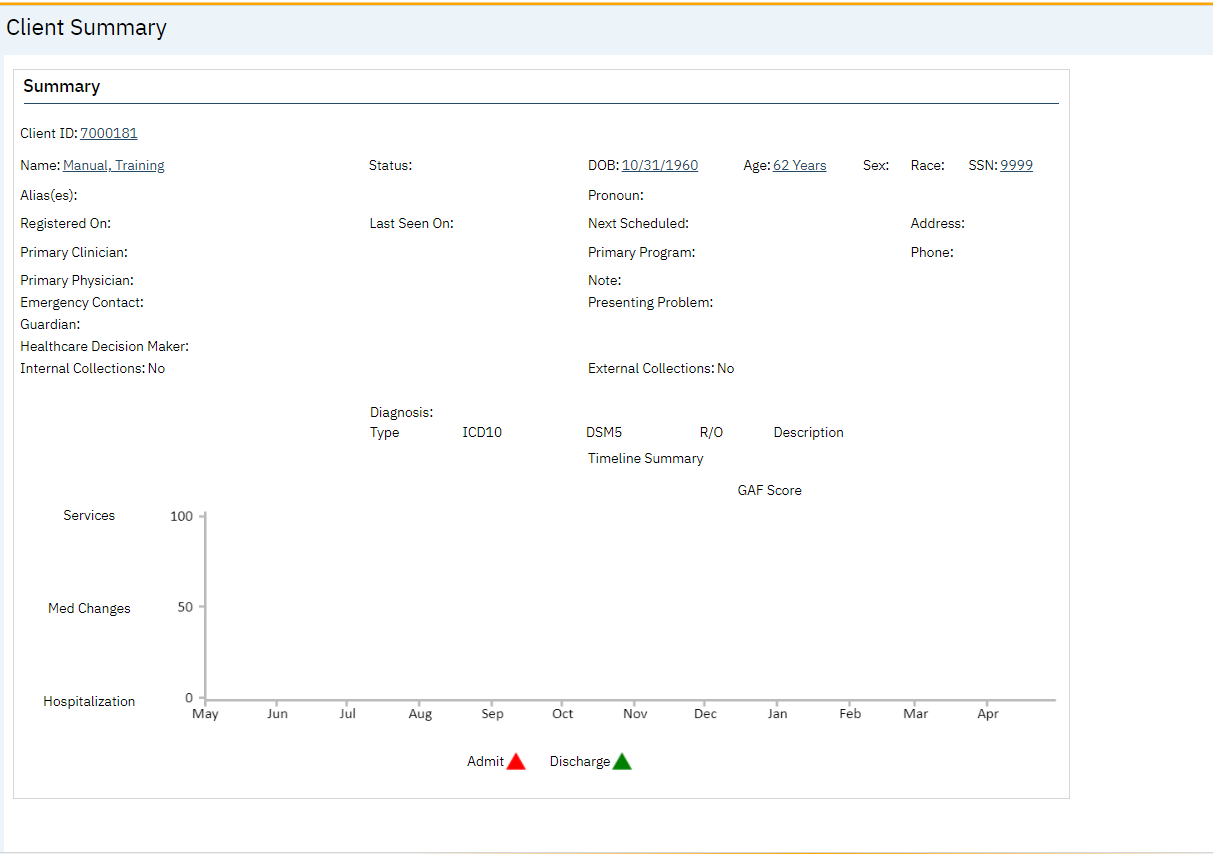
- The client record will open to the Client Summary screen.
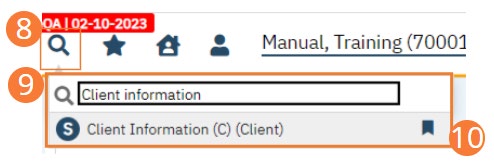
- Select the Search icon.
- Type “Client Information” into the search bar.
- Click to select “Client Information (C) (Client)” from the search results.
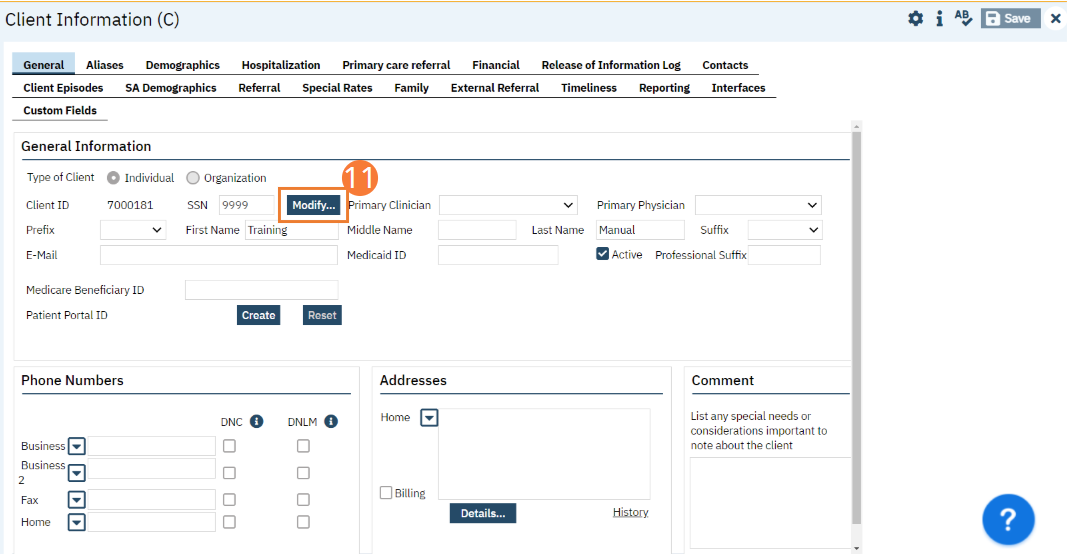
- The Client Information (C) screen will Review the SSN Number in the SSN text field. Select the Modify button next to the SSN text field to modify as needed.
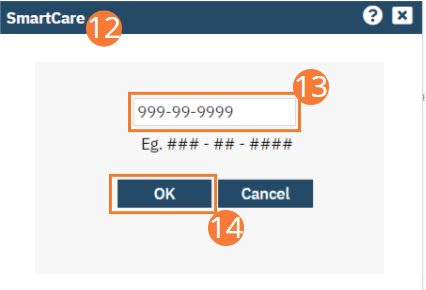
- The SSN popup will open.
- Type the “SSN number” in the text field.
- Select the OK button.
- Select the Save button in the toolbar.