Referrals progress through the following statuses:
Pending: Referral has been sent and is awaiting a response from recipients.
Active: At least one recipient has accepted the referral.
Outreach Initiated: Outreach to the patient or service has begun.
Completed: The referral has been fulfilled.
Cancelled: The referral has been cancelled by the sender.
Actions Available by View
The actions available on a referral depend on which list you are viewing it from:
Outgoing Referrals (sender): Edit the referral, cancel it entirely, or close the referral and select a reason for closure
Incoming Referrals (recipient): Accept or Decline the referral.
Accepted Referrals (recipient): Set the referral to status to “Outreach Initiated” or Close (complete) the referral by clicking “Close Referral Loop”
Notes and Attachments
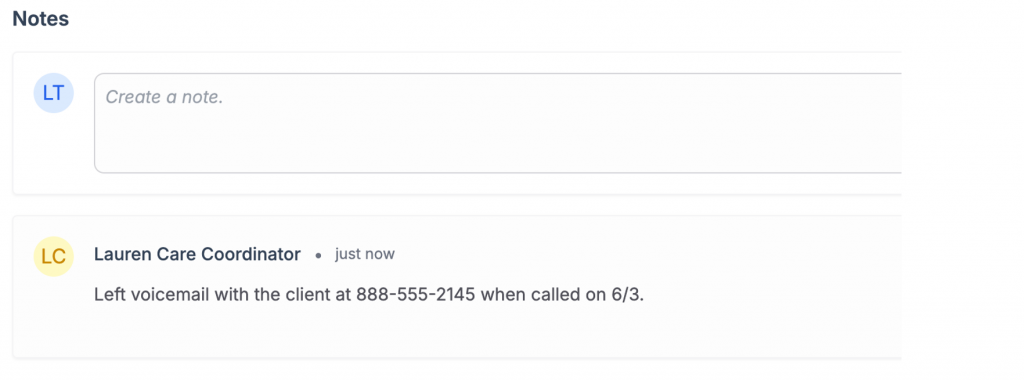
Each referral has a notes section where you can add, edit, and delete notes. Notes support rich text formatting. Attachments can be uploaded and managed from the referral detail page. Both notes and attachments will be viewable for both the referral recipient and referral sender.
Status History
The status history panel at the bottom of the referral detail page shows a chronological log of all status changes, including who made the change and when. Status changes include Pending, Outreach Initiated, Active, Cancelled, Completed, Entered in Error, Suspended.